[Maintenance] KULINE "OtherUniv" search will be stopped (3/23, 19:00 - 22:00)
Due to the stop of NII services, KULINE "OtherUniv" search will be suspended during the following period.
[Period] Mon., Mar. 23th, 2020, 19:00 - 22:00
When "Other Univ." search is out of service for some reason and you want to search
information of books and journals held by other universities, please search CiNii Books for them.
* CiNii Books https://ci.nii.ac.jp/books/?l=en
* CiNii Books Help https://support.nii.ac.jp/en/cib/manual_outline
We are sorry for the inconvenience and thank you for your understanding.
[Kyoto University Library Network]
[My KULINE] Attention: Records on My KULINE will not be transferred to your new ID.
If you will go on to graduate school or transfer to a different faculty, please back up records on MyKULINE by yourself by your expiry date.
Please note that records on My KULINE will not be transferred to your new ID automatically.
Who needs to back up MyKULINE records?
Those who will change their status need to back up MyKULINE records manually. (e.g. Students who will go on to graduate school or become a staff member.)
Those who will be reissued their library card are also included.
Which records should I back up?
1. Your Library Record
1.1. Borrowing history (*1)
1.2. Copy request (*1)
1.3. Loan request (*1)
1.4. Purchase request (*1)
2. My Folder
2.1. Bookmark (*1)
2.2. My Search (*2)
3. New Arrival Alert
3.1. Search Alert (*2)
3.2. Serials Alert (*2)
How to back up
(*1) It is convenient to export Library Record (1.1-1.4.) and Bookmark (2.1.) to document management tool (RefWorks or EndNote Basic) and manage records on the tool.
[Reference] How to use Document Management Tool. (KULINE FAQ)
(*2) Please be sure to back up manually of "My Search" (2.2.) and "New Arrival Alert" (3.1.-3.2.) since there are no export menu.
Thank you for your understanding.
[KULINE Service Team, Kyoto University Library Network]
Solved: [Trouble] Library Network Service is stopping now
Due to the system trouble, Library Network Service is stopping now.
Sorry for inconvenience.
■Services not available : KULINE, MyKULINE
[Maintenance]Library Network Service (KULINE etc.) will be suspended from 22:00 February 12 to 7:00 February 13
Due to system maintenance, Library Network Service will be suspended as follows.
We are sorry for the inconvenience and thank you for your understanding.
- Period : from 22:00 February 12 to 7:00 February 13, 2020
- Services to be affected :
- KULINE : https://kuline.kulib.kyoto-u.ac.jp/?lang=english
- While KULINE is out of service, you can search CiNii Books for books and periodicals held in the KU Libraries."How to search books and periodicals held in the KU Libraries when KULINE is out of service."
- The following services will not be affected.
- "Kyoto University Rare Materials Digital Archive"(https://rmda.kulib.kyoto-u.ac.jp/en)
- E-journals and databases provided by Library Network and the library website
[Main Library Academic Support Section]
[Important: Please install now!] A Plug-in for the New e-Resources Access Authentication System Released
(2022.11.30)
From April 2023, the E-Journal and Database Authentication System will Change.
Please set up the new authentication system by the end of March 2023.
Important: [Setup Manual available] E-Journal and Database Authentication System will Change
https://www.kulib.kyoto-u.ac.jp/bulletin/1395632?lang=en
------------------------------------------------------------------------------
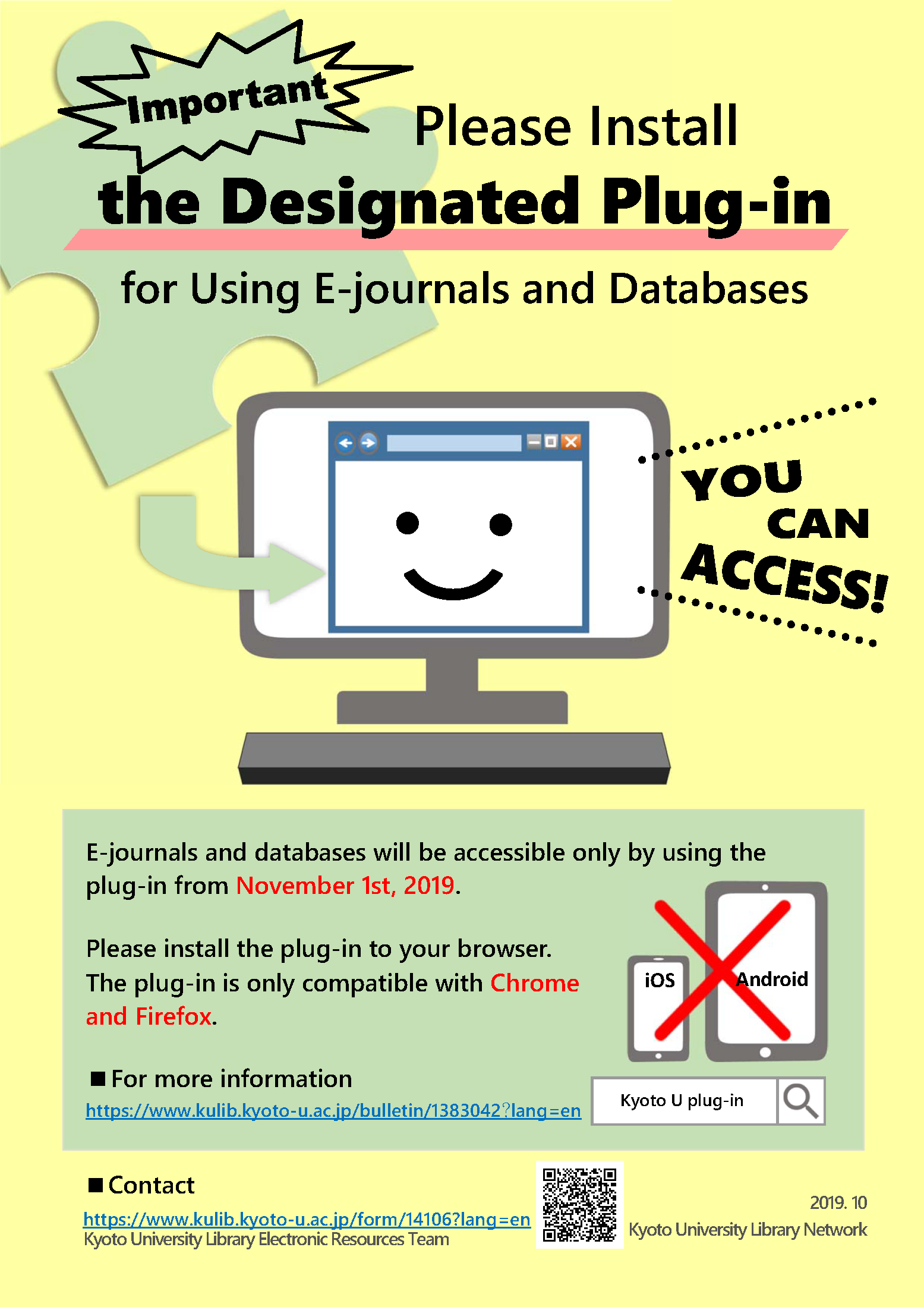
As already announced on September 9, the authentication system to access licensed e-journals and databases provided to Kyoto University members will be started on JANUARY 28, 2020. Kyoto University Library Network has released a plug-in for the new authentication system and sincerely asks users to prepare for the complete system change during the current transition phase as follows:
Please install the plug-in to your browser and check if it works BEFORE January 28.
●Download Page:https://ninsho-log4.kulib.kyoto-u.ac.jp/plugin/plguide.html
●Guide to "e-Resources Access Authentication System"(Firefox)
https://ninsho-log4.kulib.kyoto-u.ac.jp/plugin/ejdb_plugin_firefox_en.pdf
●Guide to "e-Resources Access Authentication System"(Chrome)
https://ninsho-log4.kulib.kyoto-u.ac.jp/plugin/ejdb_plugin_chrome_en.pdf
●FAQ
https://ninsho-log4.kulib.kyoto-u.ac.jp/plugin/plugin_faq_en.pdf
[Supported Browsers]
Google Chrome and Mozilla Firefox for Windows, MacOS and Linux
[Limitations]
The system doesn't support access from other browsers or devices to which the plug-in cannot be installed, such as smartphones and tablet devices (iOS, Android).
Some reference management software, such as EndNote desktop, may not be able to import data from e-resources platforms when the plug-in is installed to your browser.
Please note that e-resources will be accessible only by using the plug-in at JANUARY 28, 2020.
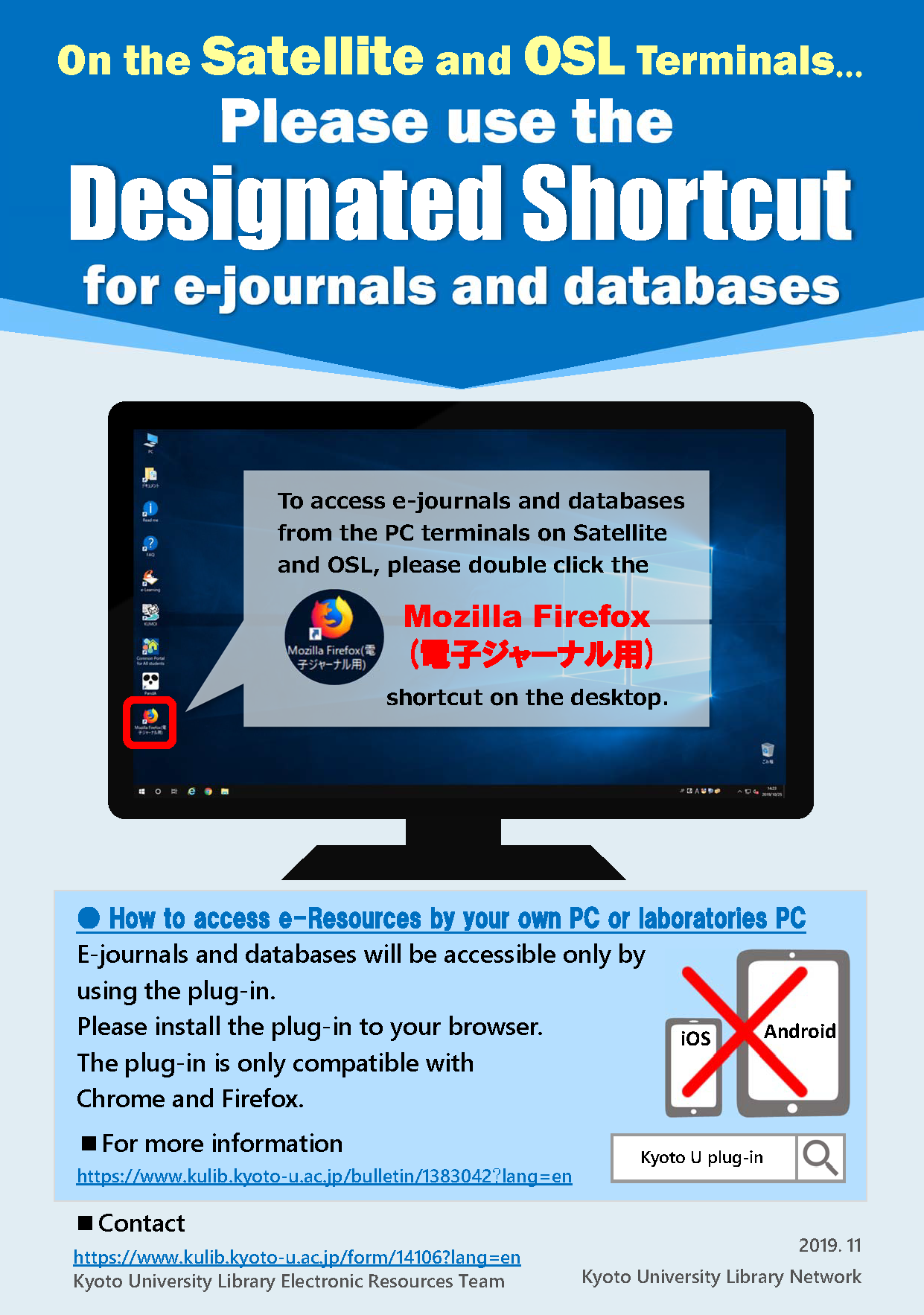
On the Satellite and OSL Terminals, Please use the Designated Shortcut (Mozilla Firefox (電子ジャーナル用)) for e-journals and databases.
If you have any question, please do not hesitate to contact us. We would appreciate your understanding and cooperation on this matter.
Ref.
[Important] e-Resources Access Authentication System to Be Changed in October 2019
https://www.kulib.kyoto-u.ac.jp/bulletin/1382701?lang=en
Contact: https://www.kulib.kyoto-u.ac.jp/form/14106?lang=en
-----