【Yoshida-South Library】Library Walk Tour (Apr. 4-25)
吉田南総合図書館ではウォークラリーを開催します。
ウォークラリーで大学図書館がどのようなところか見てみませんか?
期間中、好きなときに「はじめてBOOK」片手に吉田南総合図書館を探索しよう!
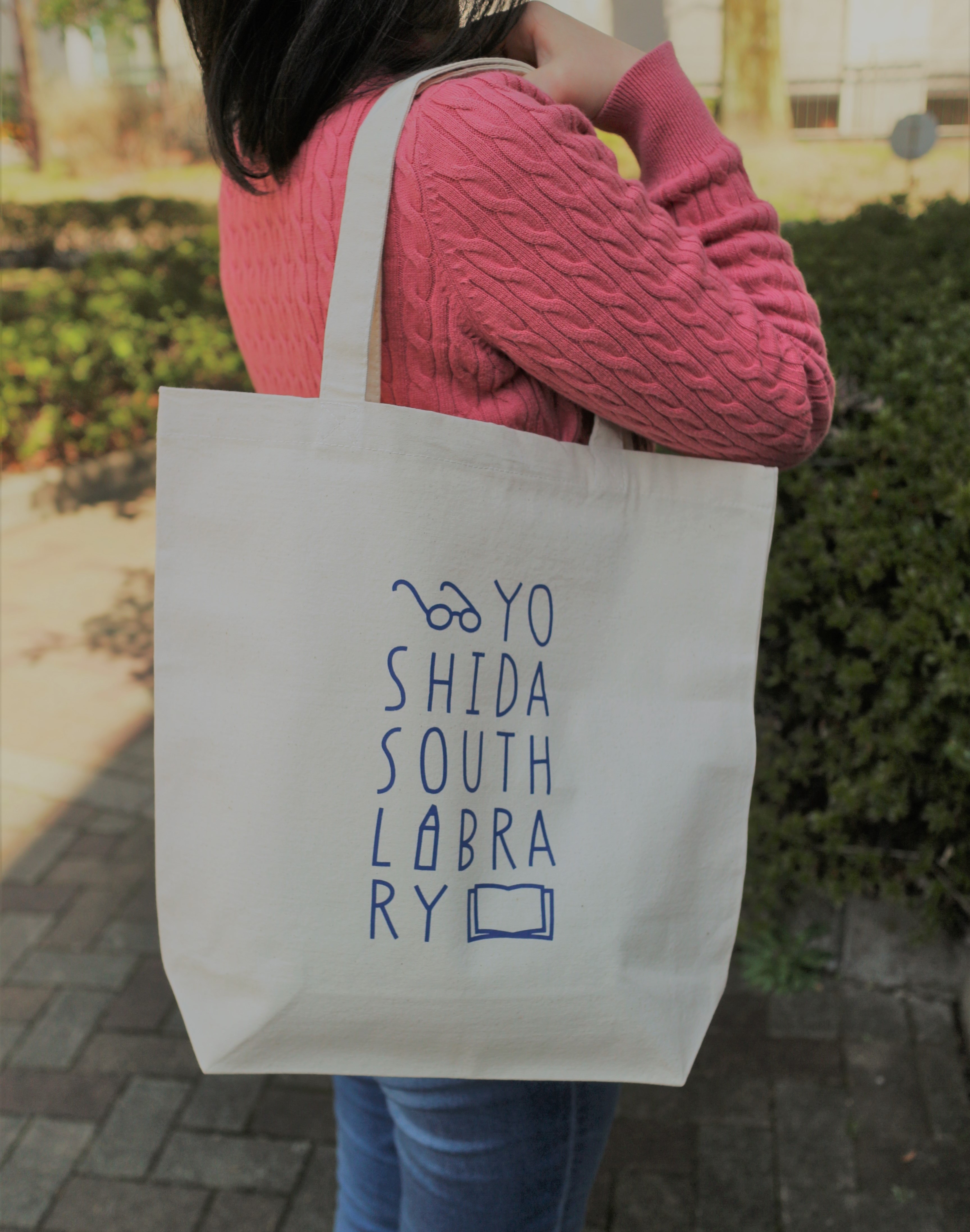
完走された新入生の方には記念品として、オリジナルトートバッグをさしあげます(先着150名)。
(上回生の完走者の方には記念品としてクリアファイルをさしあげます)
※ 「吉田南総合図書館はじめてBOOK」は吉田南総合図書館で配布
■ 実施場所:吉田南総合図書館(生協吉田ショップの東側です)
■ 実施期間:2019年4月4日(木)- 4月25日(木)、平日9時 - 20時(環onは17時まで)
※最終日は17時まで
■ 所要時間:20 - 30分程度
吉田南総合図書館で皆さんをお待ちしています!

[吉田南総合図書館]
[Maintenance]RefWorks (Mar 24-25)
Due to network system maintenance, RefWorks will be unavailable during the following period.
We appreciate your support and patience.
Date: New RefWorks (Blue logo) Sunday, March 24, 2019 9:00 p.m. - Sunday, March 24, 2019 11:00 p.m. (JST)
RefWorks (Orange logo) Sunday, March 24, 2019 8:00 p.m. - Monday, March 25, 2019 1:00 a.m. (JST)
Users will not be able to:
- RefWorks
- Write-N-Cite
- Write-N-Cite for Google Docs (RefWorks Google Docs)
- RefWorks Citation Manager
[Main Library Academic Support Section]
Service restored -[Maintenance] KURENAI Deposit System (from 10:00 am, Monday, March 18, 2019)
The Maintenance work was completed (2019/3/18 10:56) and the service has been restored.
KURENAI Deposit System will suspend its service due to the system maintenance for about one hour from 10:00 am, Monday, March 18, 2019.
The service will be restored as soon as the maintenance work has been completed.
Thank you for your understanding.
[Main Library Academic Support Section]
[My KULINE] Attention: Records on My KULINE will not be transferred to your new ID.
If you will go on to graduate school or transfer to a different faculty, please back up records on MyKULINE by yourself by your expiry date.
Please note that records on My KULINE will not be transferred to your new ID automatically.
Who needs to back up MyKULINE records?
Those who will change their status need to back up MyKULINE records manually. (e.g. Students who will go on to graduate school or become a staff member.)
Those who will be reissued their library card are also included.
Which records should I back up?
1. Your Library Record
1.1. Borrowing history (*1)
1.2. Copy request (*1)
1.3. Loan request (*1)
1.4. Purchase request (*1)
2. My Folder
2.1. Bookmark (*1)
2.2. My Search (*2)
3. New Arrival Alert
3.1. Search Alert (*2)
3.2. Serials Alert (*2)
How to back up
(*1) It is convenient to export Library Record (1.1-1.4.) and Bookmark (2.1.) to document management tool (RefWorks or EndNote Basic) and manage records on the tool.
[Reference] How to use Document Management Tool. (KULINE FAQ)
(*2) Please be sure to back up manually of "My Search" (2.2.) and "New Arrival Alert" (3.1.-3.2.) since there are no export menu.
Thank you for your understanding.
[KULINE Service Team, Kyoto University Library Network]