[Library Network] KURENAI 20th Anniversary: Special Website Launched
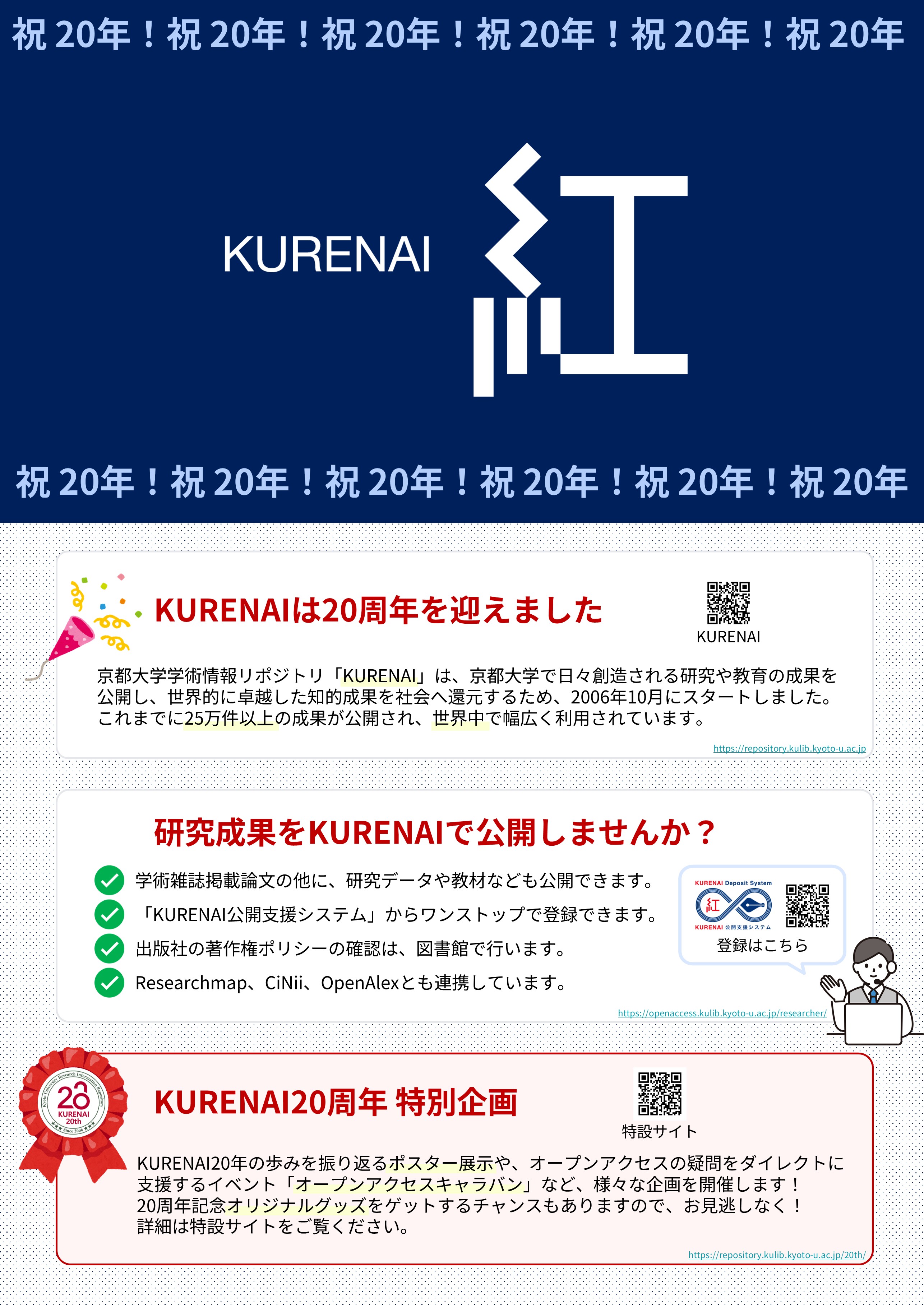
On October 2, 2026, Kyoto University Research Information Repository "KURENAI" celebrated its 20th anniversary, marking a significant milestone since its official launch in 2006.
We would like to express our deepest gratitude to all the researchers who have contributed their valuable research outputs, as well as to everyone inside and outside the university who has supported the development and operation of the system.
To celebrate this 20th anniversary, we have launched the "KURENAI 20th Anniversary Website".
The website will feature a variety of content reflecting KURENAI's past, present, and future.
KURENAI 20th Anniversary Website URL
Main Content
- Message from the Director-General
- 20 Years of History
- KURENAI in Numbers (Stats)
- Researcher Interviews *To be released sequentially
Additionally, as part of the 20th Anniversary Project, we will host on-campus exhibitions and seminars on open access.
- Open Access Caravan: Mini-seminars and individual consultation sessions regarding immediate OA, APC discounts, and related topics
- KURENAI 20th Anniversary Exhibition: An exhibition will be held at the Main Library, Library, Yoshida-South and Katsura Library.
As a platform to widely disseminate and share academic research outputs produced by Kyoto University with society and the world, KURENAI remains committed to promoting sustainable and reliable open access.
We deeply appreciate your continued understanding and support.
Contact:
Repository Section, Kyoto University Library
repository [@] mail2.adm.kyoto-u.ac.jp
[Posted on October 2, 2026]
[Updated on October 16, 2026]
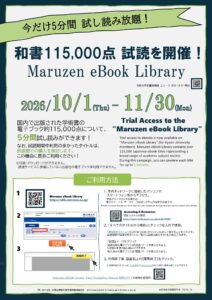
[Ebooks] Trial Access to the "Maruzen eBook Library" (1 Oct 2026 - 30 Nov 2026)
Trial access to ebooks is now available on “Maruzen eBook Library” (for Kyoto University members).
Maruzen eBook Library contains over 115,000 Japanese ebook titles representing a broad range of academic subject matter.
During the campaign, you can preview each title for up to 5 minutes.
Period
- 1 Oct 2026 - 30 Nov 2026
Contents
- Over 115,000 titles of Japanese ebooks
URL
- Maruzen eBook Library
https://elib.maruzen.co.jp/
Access
- Access https://elib.maruzen.co.jp/ via on-campus network.
- Search by the specific title of a ebook or Browse.
- Click 試読 button to start reading.
- Click 閲覧終了 button to close the page.
- Maruzen eBook Library Easy Navigating Manual (MARUZEN-YUSHODO).
※Titles included in the trial will sequentially become searchable through KULINE and Discovery.
Attention
- On a trial access, you cannot print and download ebooks.
- Please access e-books via the e-Journal and Database Authentication System when off-campus.
Contact:
Acquisition and Cataloging Section, User Support Division, Main Library
shiryoseibi660 [@] mail2.adm.kyoto-u.ac.jp
Video released! [Main Library, Katsura Library] Talk Event "Susumu Kitagawa × Zhuangzi"(October 1)
We have released the video of the Talk Event "Susumu Kitagawa × Zhuangzi" (project "What's Your 'Core Book'?) —held on Wednesday, May 27.
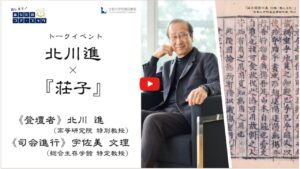
・KyotoU Channel https://www.channel.pr.kyoto-u.ac.jp/video/40602
・KU Library Network Channel https://www.youtube.com/watch?v=7U3Xs7P9Qgg
You can watch it on either platform.
Please take your time and enjoy.
2025 Nobel Prize lectures in chemistry | Susumu Kitagawa, Richard Robson and Omar M. Yaghi
(The section on Professor Susumu Kitagawa)
https://www.youtube.com/live/7kwdw3mup2A?t=2056s
Here is the event announcement issued on May 1, 2026.
User Support Division, Kyoto University Library
[Library Network] Kyoto University Rare Materials Digital Archive : 5 titles including Tanimura Collection and Kikutei Collection have been released
5 titles including Tanimura Collection and Kikutei Collection have been released.
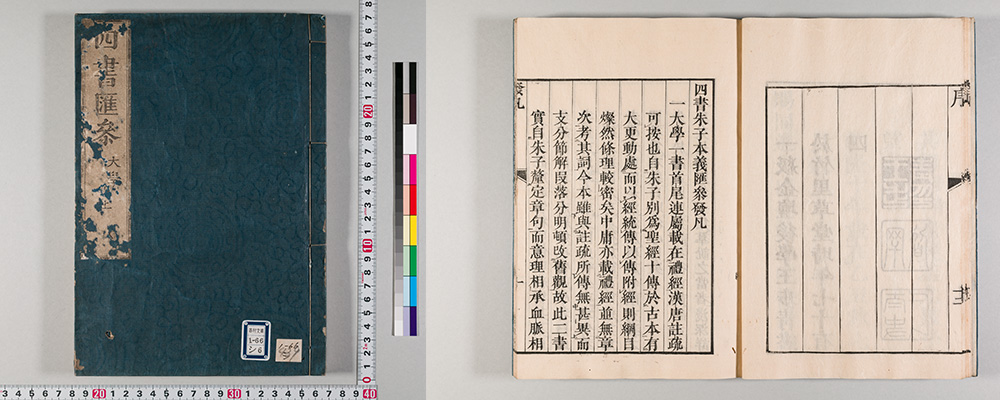
| Record ID | Title | Collection |
| RB00009857 | 四書朱子本義匯參 | Tanimura Collection |
| RB00010246 | 経世文編抄 甲-庚集 | Tanimura Collection |
| RB00010252 | 経済問答秘録 30巻 | Tanimura Collection |
| RB00011423 | 史記評林 130巻,首1巻 | Tanimura Collection |
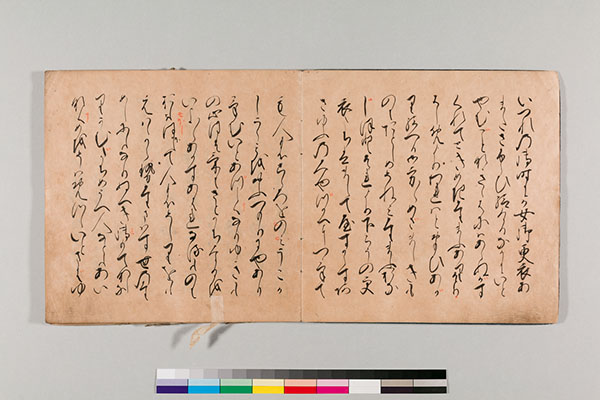
| RB00027603 | 源氏物語 | Kikutei Collection |
As of September 17, 2026, Kyoto University Rare Materials Digital Archive provides 2,313,369 images of 27,626 titles.
[Library Network] Kyoto University Rare Materials Digital Archive : Important Cultural Property "Dainihonshi Hensan Kiroku" Vol.68-73 (G.S. Letters) Newly Released
The Graduate School of Letters of Kyoto University and the Kyoto University Museum have been carrying out the restoration and digitization of an important cultural property Dainihonshi hensan kiroku held by the Graduate School of Letters since academic year 2017. 276 images of the restored volumes 68-73 are now available in Kyoto University Rare Materials Digital Archive.
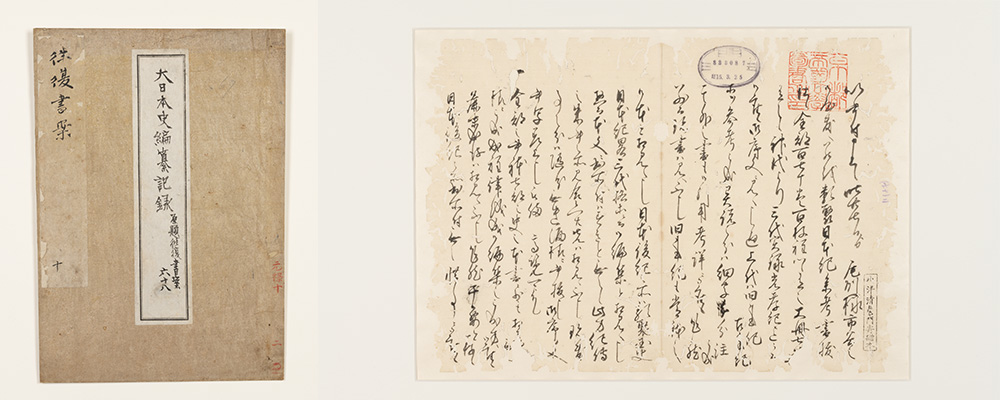
▼Important Cultural Property - Dainihonshi hensan kiroku (G.S. Letters)
Dainihonshi hensan kiroku (大日本史編纂記録) is a collection of more than 6,000 letters (copies) exchanged between Shokokan (彰考館; Mito Domain’s office for history compilation) in Mito (currently in Ibaraki Prefecture) and Edo (currently Tokyo) and their Kyoto office regarding the compilation of Dainihonshi by Tokugawa Mitsukuni (徳川光圀; 1628-1701). A total of 42,810 people and organizations and 15,159 historical records and literature works are mentioned in the letters and the content covers a wide range of aspects of the time, such as history, literature, Confucianism and Japanese classical literature, as well as the publishing culture during the Genroku Period, which makes this rare material a first-class historical record.
Therefore, a restoration project was launched in academic year 2017 funded by the Sumitomo Foundation (2017-2025), and also by government (2021-2023). The Graduate School of Letters has also set up Kyoto University Fund for the restoration of its library collection and the Kyoto University Museum acquired the university's special budget for this project in 2018.
As of September 15, 2026, the Digital Archive provides 2,303,213 images of 27,621 titles.