[Main Library/Yoshida-South Library] Long term loan for summer holiday in 2026
Main Library and Yoshida-South Library will hold the long term loan for summer holiday.
* Journals are not included.
Periods
Main Library
- Open-shelf books: July 23 (Thu.) - September 21 (Mon.), 2026
- Stack room books: July 6 (Mon.) - September 4 (Fri.), 2026
Yoshida-South Library
- Books: July 23 (Thu.) - September 5 (Sat.), 2026
* Faculty and Staff: Open-shelf only
Due date
October 6 (Tue.), 2026
Note
You are able to renew books were borrowed by long term loan for summer holiday after the periods.
【Yoshida-South Library】Thesis writing support campaign 2026 (June 30th - August 8th)
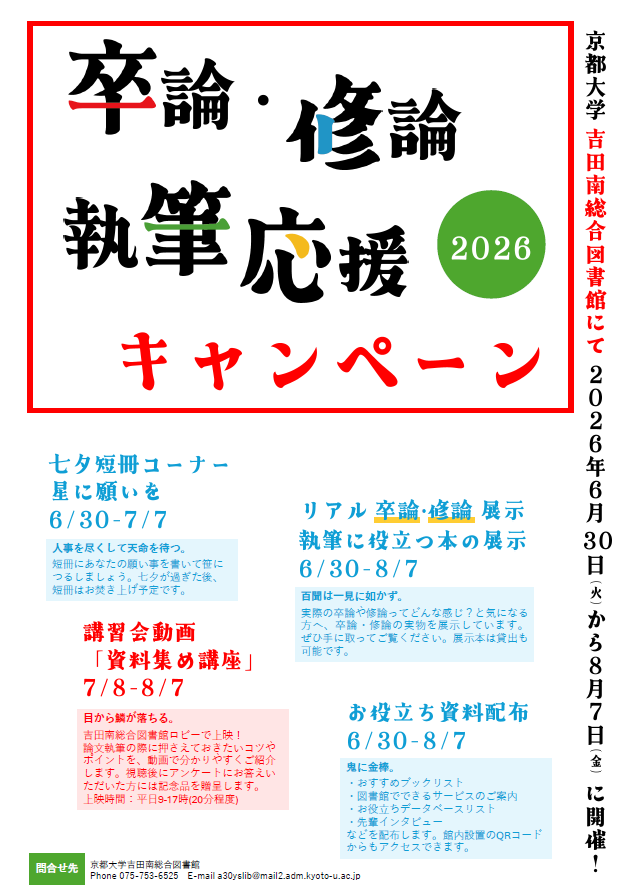
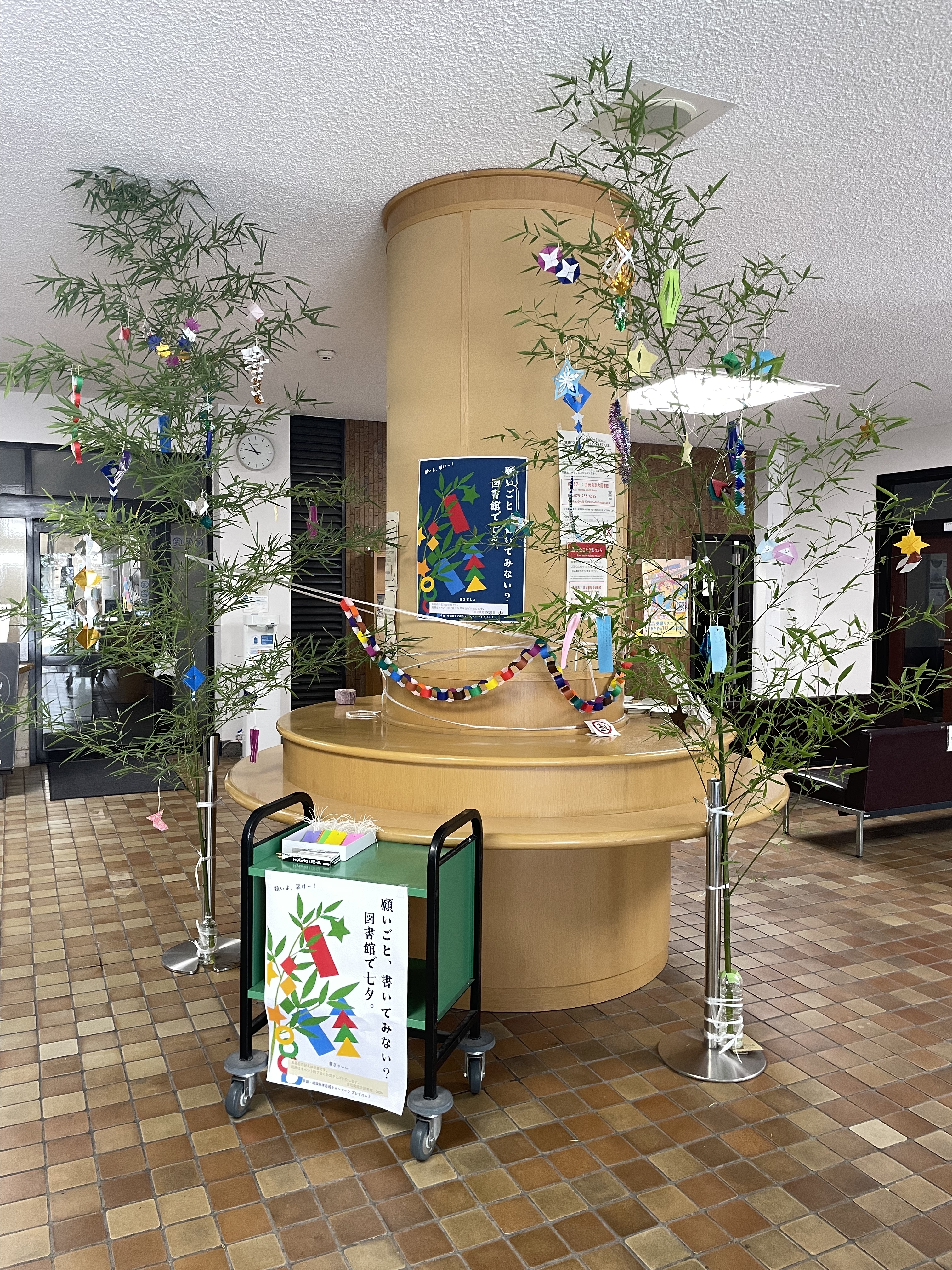
Yoshida-South Library launch the "Thesis writing support campaign".
The campaign will include an exhibition featuring a list of books useful for writing theses and dissertations, as well as an exhibition of actual theses written by senior students.【Exhibition】"Useful resource handouts"
【Exhibition】"Actual theses written by senior students"
【Exhibition】"List of books useful for writing theses and dissertations"
We are also streaming the video "How to Collect Materials for Writing Reports & Theses" in the library lobby.
Don't miss it!
[Contact]
Yoshida-South Library
TEL: 075-753-6525,6524
a30yslib(at)mail2.adm.kyoto-u.ac.jp
※Please convert (at) to @
【Yoshida-South Library】Topographical Maps Support Weeks : Returns (Jul. 3rd,6th,10th,13th,17th,24th,27th,31st, Aug. 3rd)
Topographical Maps Support Weeks
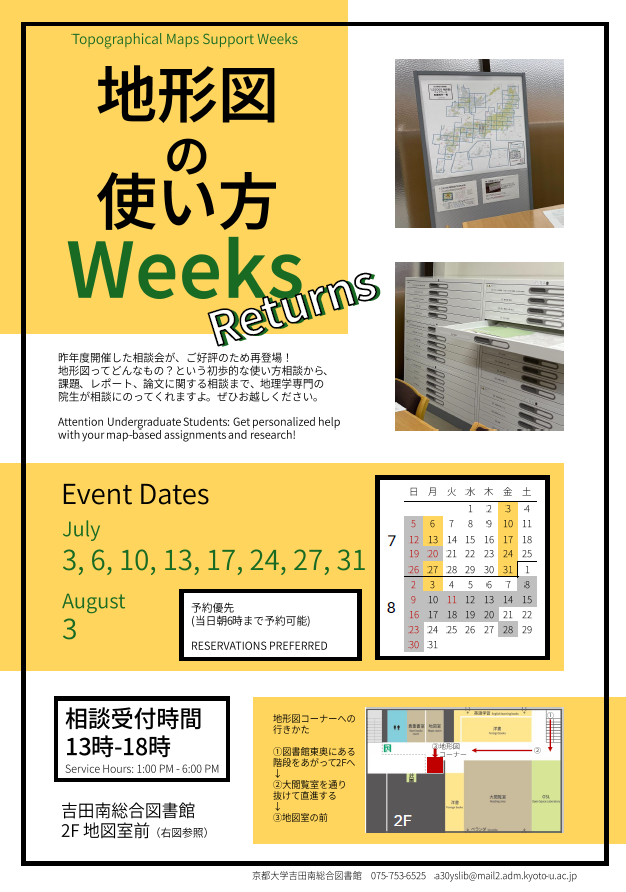
Get personalized help with your map-based assignments and research!
■Event Dates【University members only】RESERVATION PREFERRED
【July】3rd,6th,10th,13th,17th,24th,27th,31st
【August】3rd
■Service Hours: 1:00 PM - 6:00 PM
[Contact]
Yoshida-South Library
TEL: 075-753-6525,6524
a30yslib(at)mail2.adm.kyoto-u.ac.jp
※Please convert (at) to @
【Yoshida-South Library: On Display】TEIYO(the CO‑OP’s book review publication)×YSL
Duration: Scheduled for June.
Location: In front of the 1st‑floor counter at the Yoshida South General Library.

[Contact]
Yoshida-South Library
TEL: 075-753-6525,6524
a30yslib(at)mail2.adm.kyoto-u.ac.jp
※Please convert (at) to @