[Library Network] About user support during holidays 2020/05/02 - 2020/05/06
Library online services and E-journals, Databases is available during holidays: 2020/05/02 - 2020/05/06 except for maintenance.
But then, user support section will be closed. Sorry for inconvenience.
Please contact from here: Contact Form
[Kyoto University Library Electronic Resources Section.]
[Maintenance]Ichushi Web, Saishin Kango Web(Apr. 23rd, 24th and 25th)
Due to scheduled maintenance, services of Ichushi Web (Japana centra revuo medicina) and Saishin Kango Web will be intermittently unavailable according to the following schedule.
---Maintenance Schedule----
1: a.m.0:00-a.m.2:00, Thu. 23rd Apr. (JST)
2: p.m.11:00, Fri. 24th Apr.-a.m.5:00, Sat. 25th Apr. (JST)
*Upon completion of the maintenance, services will restart.
We appreciate your patience and understanding.
[Main Library Academic Support Section]
[Kyoto University Library Network] Plug-in required to be authenticated to access e-resources
The students, faculty members, staff and other members of Kyoto University are entitled to access e-resources, such as e-journals, e-books and databases, for which Kyoto University entered into contract with their providers and publishers. In order to access the e-resources, the installment of a designated plug-in is required. This plug-in allows you to be authenticated to access the e-resources from the campus and even from home without other change of settings of your PC or network. Please note that you cannot access the e-resources from a browser without the plug-in.
System Requirement
OS: Windows, MacOS or Linux
Browser: Google Chrome or Mozilla Firefox
Download Site of the Plug-in
https://ninsho-log4.kulib.kyoto-u.ac.jp/plugin/plguide.html (ECS-ID/SPS-ID required)
How to Install/Use
Please make sure to read the following documents before installing the plug-in.
Guide to "e-Resources Access Authentication System" Firefox-en Ver.1.07 (ECS-ID/SPS-ID required)
https://ninsho-log4.kulib.kyoto-u.ac.jp/plugin/ejdb_plugin_firefox_en.pdf
Guide to "e-Resources Access Authentication System" Google Chrome-en Ver.1.05 (ECS-ID/SPS-ID required)
https://ninsho-log4.kulib.kyoto-u.ac.jp/plugin/ejdb_plugin_chrome_en.pdf
https://ninsho-log4.kulib.kyoto-u.ac.jp/plugin/plugin_faq_en.pdf
NOTES
- The plug-in doesn't support access from other browsers or devices than the above mentioned to which the plug-in cannot be installed, such as smartphones and tablet devices (iOS/Android).
- Please do not activate reference management software, while you are accessing the e-resources using the plug-in, because the plug-in doesn't support the use of such software. (The plug-in might interrupt the function of some reference management software, such as EndNote desktop, to import data from e-resources platforms.)
- When you use one of PC terminals equipped in Satellite Classrooms and Open Space Laboratories (OSL), you can access the e-resources by clicking a shortcut "Mozilla Firefox (e-resources)".
- Security software ESET Endpoint Protection Advanced might interrupt the installment or update of the plug-in. Please refer to the site below for details.
https://www.kulib.kyoto-u.ac.jp/bulletin/1385064
The Purpose of the e-Journal and Database Authentication System
Please refer to the Guide to e-Journal and Database Authentication System.
https://www.kulib.kyoto-u.ac.jp/service/12754?lang=en
Contact
https://www.kulib.kyoto-u.ac.jp/form/14106?lang=en
[Library Network] ESET setting about PC with EJDB plug-in installed
If security software ESET is installed on your PC with EJDB plug-in installed, please make the following settings.
https://www.kulib.kyoto-u.ac.jp/erdb/13505?lang=en#ESET[Library Network] Conditions of Use and Licensing Restrictions for E-Resources
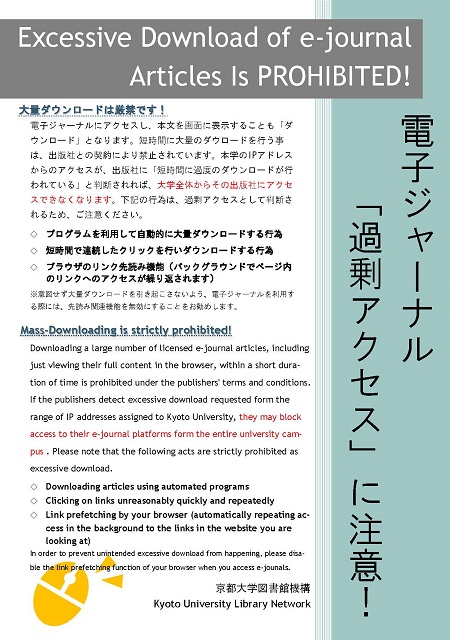
Use of electronic resources including databases, e-journals and e-books subscribed by Kyoto University is subject to copyright laws and licence agreements.
The licences generally prohibit the following uses:
- Systematic and programmatic download
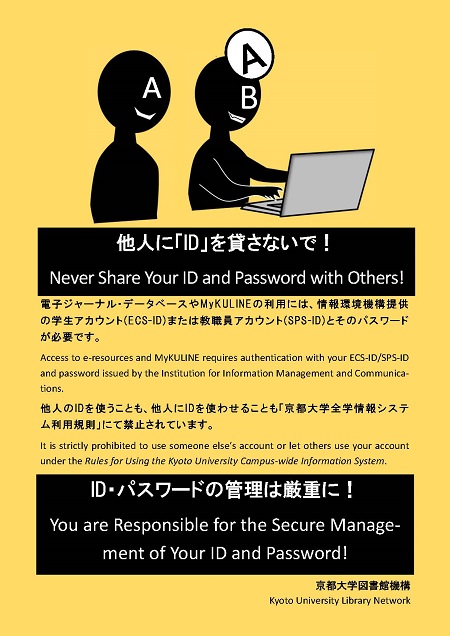
- Usage beyond the private purpose
- Reproducing and distributing
Violation of the licence agreements may result in the suspension of access to e-resources for the whole University.
There have been frequent recent occurrences of users unintentionally downloading or accessing large volumes of data using pre-read browser functions. Pre-read browser functions continually access links within pages in the background while pages are being viewed. As a result of this, large volume data downloads or large volume access of which the user is unaware may occur, even if the user intends to use electronic journals in the standard way. We request your cooperation in disabling these functions by making the below changes to your browser settings.
Flier
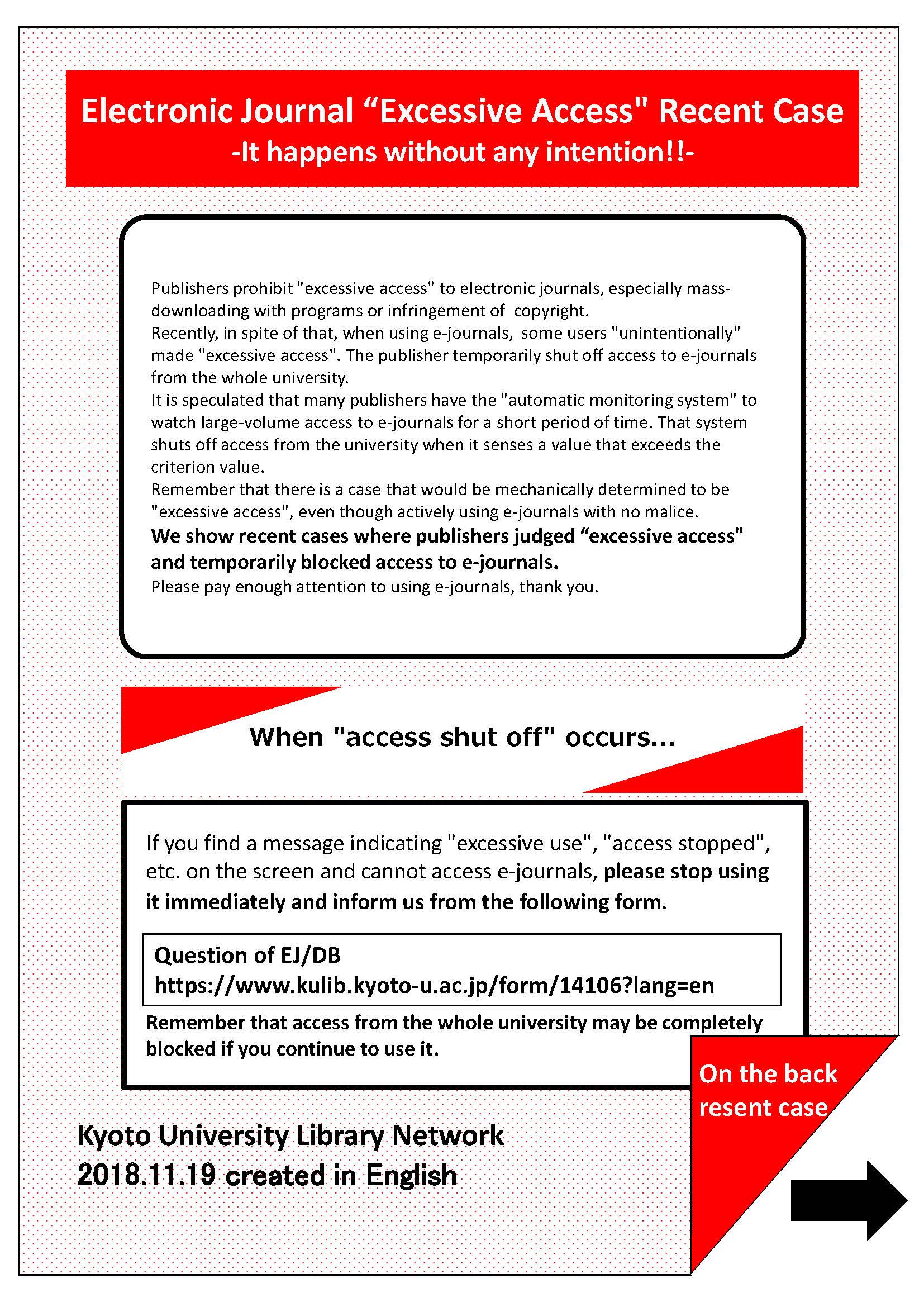
- Electronic Journal "Excessive Access" Recent Case: It happens without any intention!!(PDF)[Flier]
Ref.
- E-Journals & E-Books List
- Flier: E-Journals : Access and Use Restrictions (PDF) [English] [Chinese] [Korean] [Japanese]
- Guide to E-Journal and Database Authentication System
- EJ/DB Authentication System FAQ [JPN]
- Warning: Large volume access using pre-read browser functions
[Kyoto University Library Network]