(Main Library) You can now use our online study consultation service WITHOUT making an appointment.
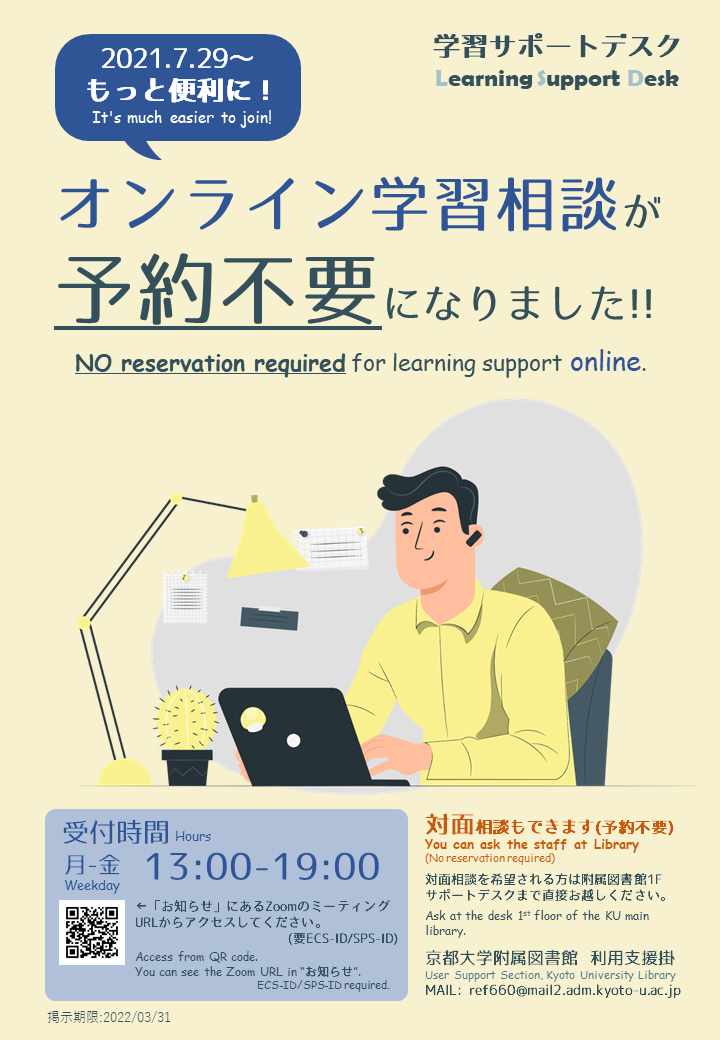
From 29 July, the online learning support service at the Library's Learning Support Desk doesn't require making an appointment anymore.
Please feel free to use it at any time.
In-person consultation at the Learning Commons is also available.
There are three ways to use online learning consultation.
(1) Online consultation without making an appointment
(2) Online consultation with an appointment
(3) No appointment, in-person (Learning Commons on the 1st floor of the library)
-------------------------------------------------------------
How do we help you?
Our graduate students staff are here to answer your questions about library study.
Examples: "I can't write reports well." "How should I prepare for graduate school examinations?" "I want some advice regarding my research plan," "I want to ask about how to find references.
-------------------------------------------------------------
Opening hours:
Weekdays: 13:00-19:00
Time per use: within 30 minutes
Please note that the consultation service may be temporarily closed on weekdays.
-------------------------------------------------------------
How to use the online study consultation service without an appointment
1. Go to the following URL and check the Zoom meeting URL.
CyberLearning Space "Library Organization Seminar" > Notice
>Learning Support Desk: Online learning consultation (no appointment required)
https://cls.iimc.kyoto-u.ac.jp/x/YwYnCI
Log in with your ECS-ID.
2. Access the "Today's Meeting URL" written on the notice.
(The URL will be changed periodically, please check it every time you want to use the service)
3. Wait in the "Waiting Room".
There will be a "waiting room".
Wait until our staff let you enter the meeting.
While the staff is having consultations, you may have to wait in the "waiting room". We are not able to tell you the waiting time.
-------------------------------------------------------------
In case you want to make an appointment for online consultation
1. Fill out the application form below and submit it at least 1 workday before your consultation day
2. The library will send you a confirmation of your appointment.
3. When the appointment time comes, access Zoom. Then You can use the service without waiting.
Online Learning Consultation Application Form
https://www.kulib.kyoto-u.ac.jp/form/1385901?lang=en
-------------------------------------------------------------
If you want to talk in person
Please come to the Learning Commons on the 1st floor of the library.
If there is no one else using it, you can use our service immediately.
==============================================
For more information about the Learning Support Desk, check below.
https://www.kulib.kyoto-u.ac.jp/support/12334?lang=en
==============================================
Contact: Reference Section of the Main Library
Email: ref660@mail2.adm.kyoto-u.ac.jp
[附属図書館 利用支援掛]

- [Main Library, Yoshida-South Library, Katsura Library] KURENAI 20th Anniversary Exhibition (Oct 19–) (2026-10-19)
- [Library Network] KURENAI 20th Anniversary: Special Event "Open Access Caravan" - Seminars & Consultations (2026-10-16)
- (Solved) [Issue] KULINE Access Issues (2026-10-07)
- [Maintenance] "KURENAI" has been temporarily inaccessible(10/06 7:30-9:00) (2026-10-05)
- [Library Network] KURENAI 20th Anniversary: Special Website Launched (2026-10-02)
- [Ebooks] Trial Access to the "Maruzen eBook Library" (1 Oct 2026 - 30 Nov 2026) (2026-10-01)
- Video released! [Main Library, Katsura Library] Talk Event "Susumu Kitagawa × Zhuangzi"(October 1) (2026-10-01)
- [Library Network] Kyoto University Rare Materials Digital Archive : 5 titles including Tanimura Collection and Kikutei Collection have been released (2026-09-17)
- [Library Network] Kyoto University Rare Materials Digital Archive : Important Cultural Property "Dainihonshi Hensan Kiroku" Vol.68-73 (G.S. Letters) Newly Released (2026-09-15)
- (Solved) [Issue] KULINE Access Issues (2026-09-13)
